|
Hardware-Software Co-design and Partitioning
VisualSim
provides a graphical environment to explore hardware and software
partitioning of large and complex application prior to implementation.
No software code or RTL (Verilog/VHDL) is required to conduct this analysis.
The architecture can be partitioned to meet a target application based on
profile and performance metrics. Experiments by customers have shown accuracy
of over 90% with this VisualSim approach. Moreover, this analysis is done prior
to any implementation. Hence the rework cost is almost fully eliminated. This
example shows the application of this transaction modeling approach to a complex
wireless and multimedia application containing audio, video and high-speed data
transfer applications in a single device.
The
VisualSim model associated with this description is provided below.
You can view, change parameter values and run simulation right from
within the Web Browser. No additional software is required. This
shows how you can use a pre-built VisualSim model for doing trade-studies.
To use the models at the links,
click on the GO button to run the simulation. Double-click on any parameter in
the model window to change the parameter value.
Click
here to view the interactive VisualSim
Block Diagram and model
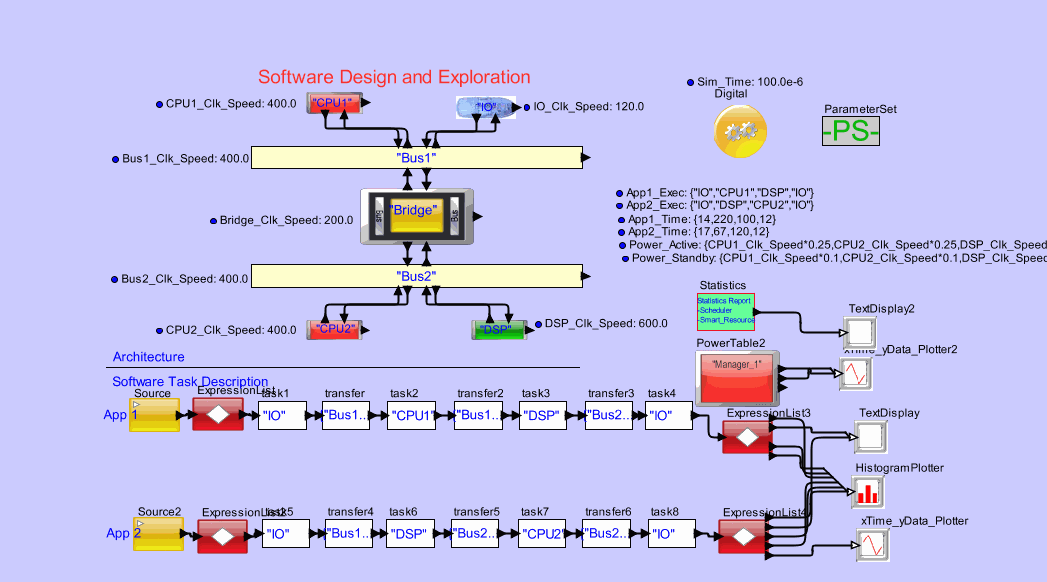
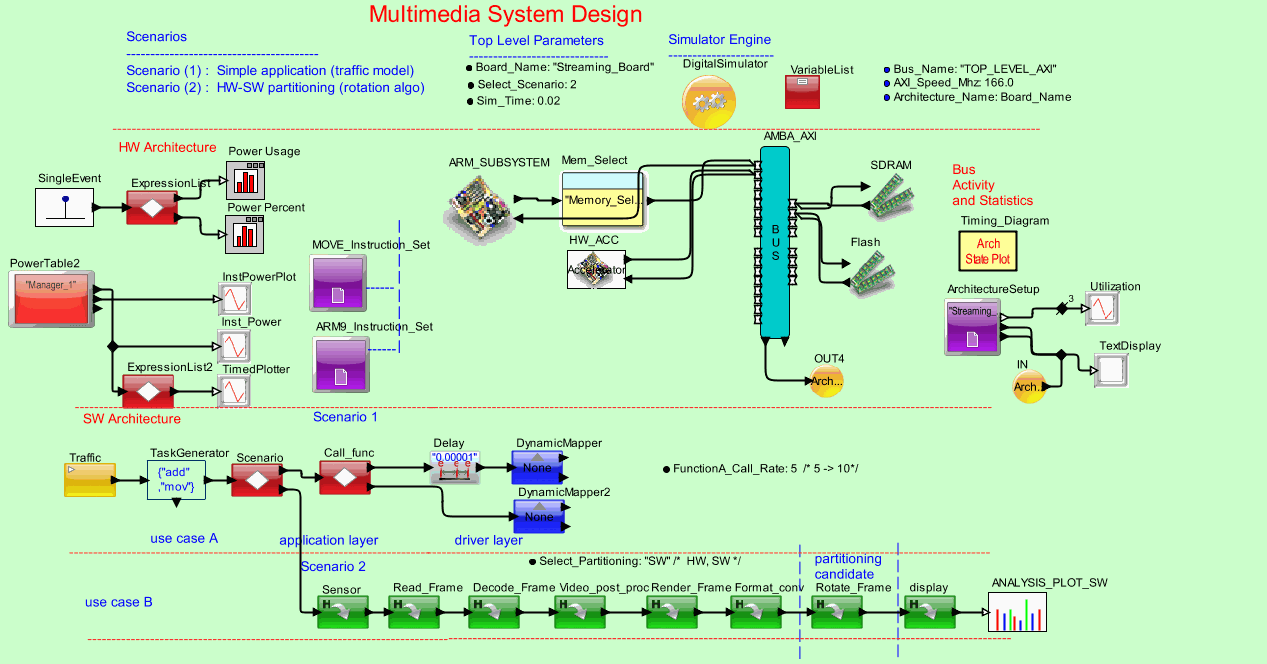
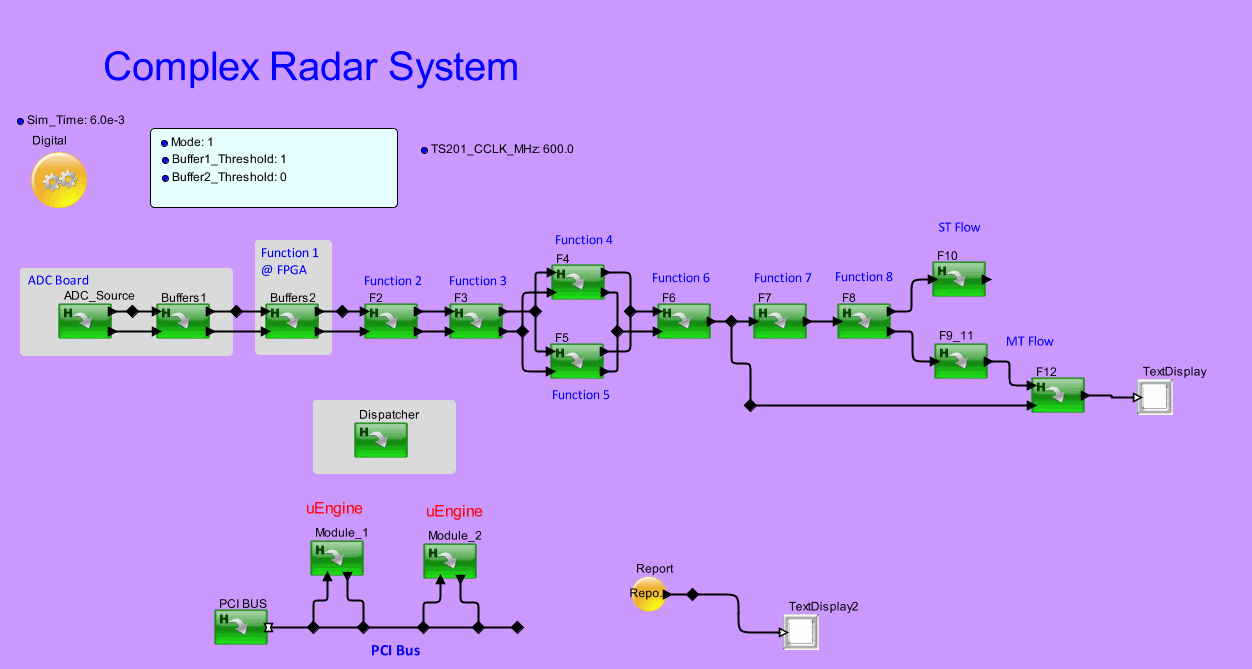
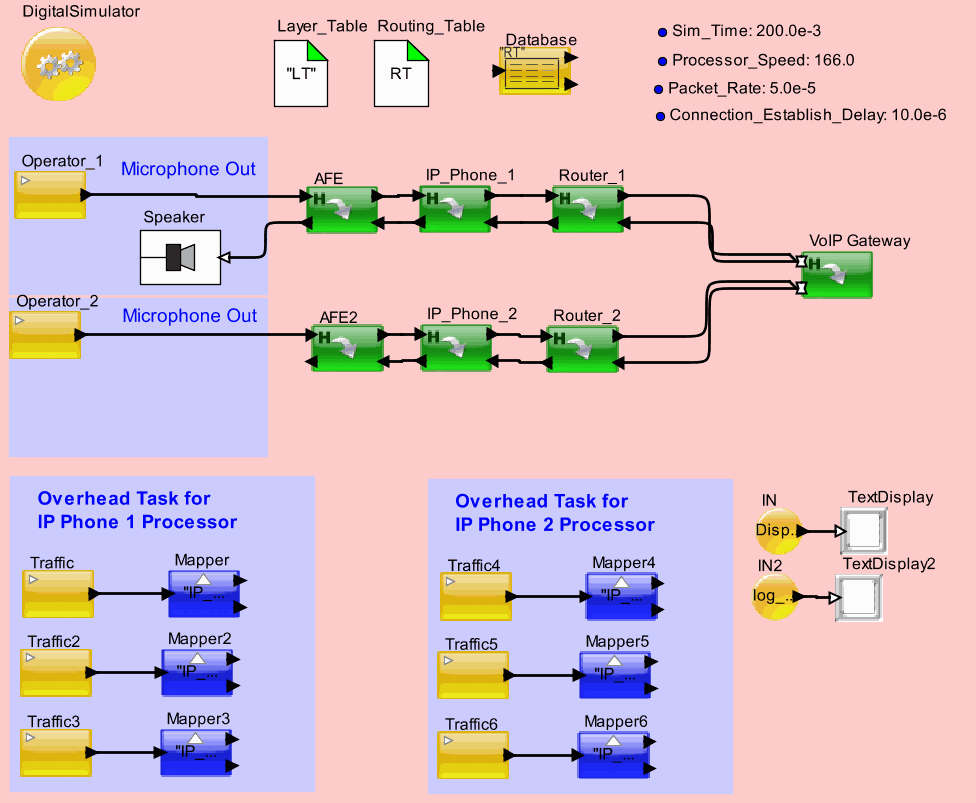
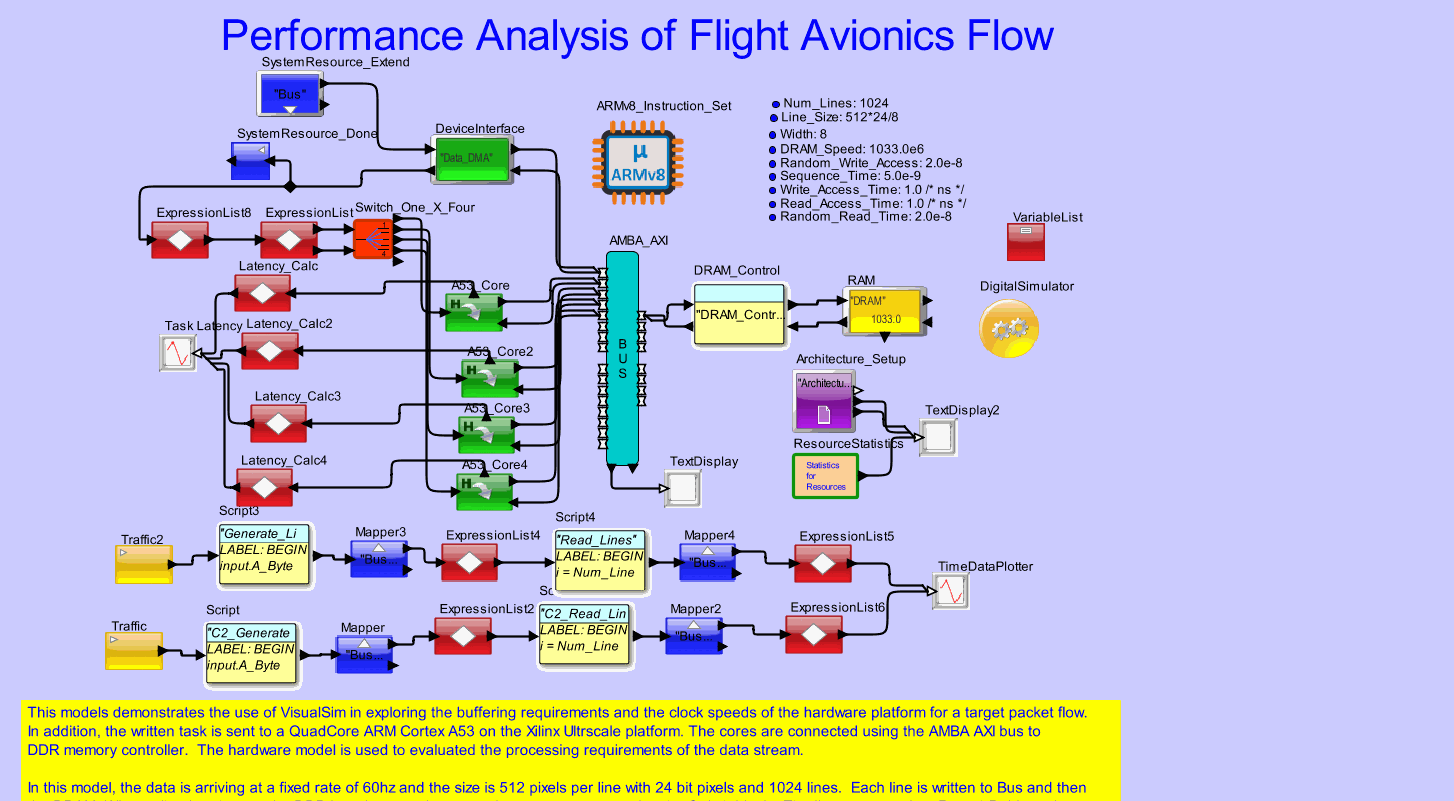
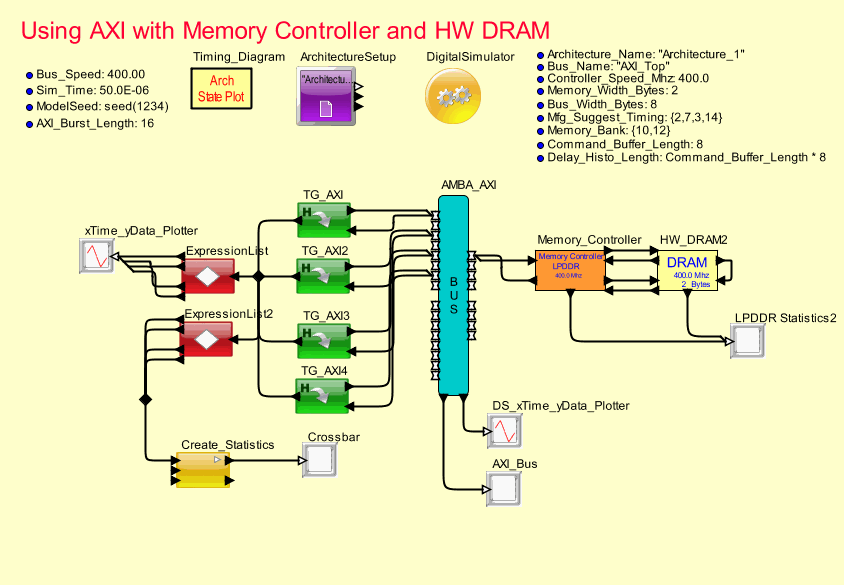
This VisualSim model provides an introduction to
partitioning of functionality within a wireless device. The applications are defined
as behavior flows with interactions and dependencies described by the connectivity.
Each application is triggered by independent arrival rates. The data can be from an antenna, interface
card or connected bus. Each source of
data has to go through certain processing steps before it sent on an output
port, displayed on the LCD or sent to a speaker. The hardware configuration
is described on the top-half of the model page.
Each task in each application flow is
mapped to a particular hardware component, be it a DSP, uP or ASIC. The mapping is parameterized and the
user can sweep over these parameters to determine the optimal configuration that meets power and performance
thresholds.
This model consists of 4 input sources- 2 Video streams, one
speech and one WiMax high-speed data input.
Each source data has to go through a number of processing steps.
The model can be scaled to add more details for each flow.
The top-level model and the associated simulation analysis
are shown below in the VisualSim Executable models.
The output from each of the traffic sources flows through
every block in the flow. Each block has
a functional described within the block.
The behavior is the actual task performed on the incoming data.
There are 5 architecture resources in this model- RTOS,
memory, DSP, Up and ASIC. Every behavior
is first sent to the RTOS. The RTOS
stores a copy of the data in the memory and then assigns the instruction to be
processed on either the ASIC, uP or DSP depending on pre-specified assignment.
Each behavior block can be executed on either the uP, ASIC
or DSP architecture resources. Executing
it on each of the resources requires different quantity of the resource being
used. For example, the Stabilize may
require only 6 cycles on the ASIC while it may require 14 on the uP. The same process will consume different
quantity of power on the uP vs. the ASIC.
Also there is a cost difference between the two resources.
So, the selection of the partitioning is based on the total
power consumed, the performance and the cost.
Simulation Analysis:
The user can vary the parameter on any of the blocks in the
model.
- Vary
the Speed_Mhz of the uP, DSP or ASIC and notice the change in the Resource
usage plot.
- Modify
the active and standby power for the DSP, ASIC, uP or Memory Resource to see
the change in the power plot
- Modify
the Destination_Processor parameter in the behavior blocks and see the
change in the Resource_Usage plot.
|